Graycare (graycare.net) is a participant in the Amazon Services LLC Associates Program, an affiliate advertising program designed to provide a means for us to earn fees by linking to Amazon.com and affiliated sites. Learn More
When your Blink Video Doorbell was working fine, then its batteries lost juice, and now you’ve got to replace them, now refer to the Blink company official instructions for installation of batteries into the Blink Video Doorbell, or let me show you how.
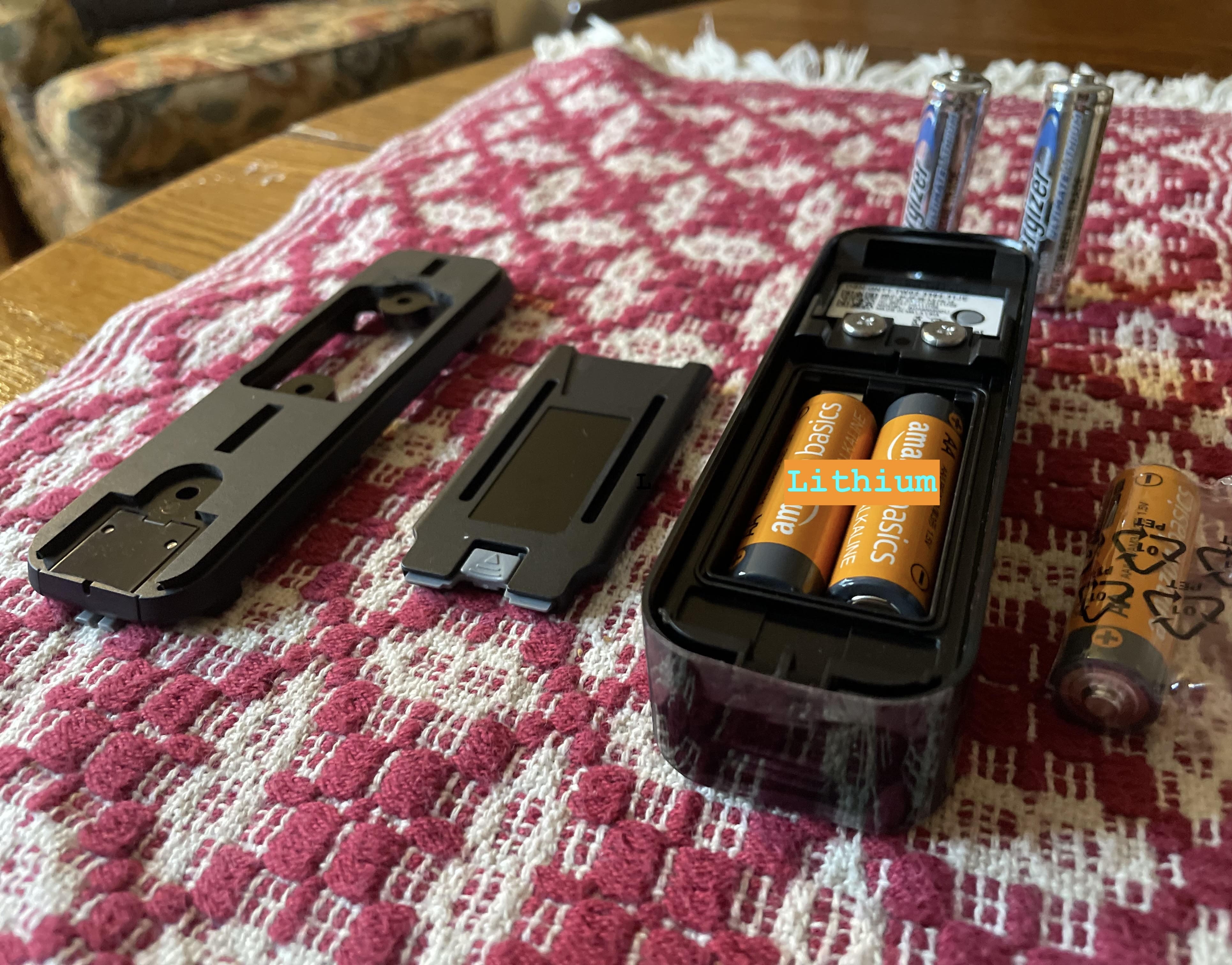
Note- Only AA size 1.5 volt lithium metal batteries #ad can be used, so pay attention to this part.
Note - Blink Video Doorbell #ad can be setup without Sync Module 2 #ad. It's recommended to setup a Sync Module 2 for optimal experience, but you can use Blink Doorbell without it. No worries.***
Note - You won’t need a screwdriver unless you’ve screw-mounted your Blink Video Doorbell onto the front of your house.
Note- When the unit has power, it should connect to the WiFi unless you've changed the password. Use the Blink App to change the device's WiFi if it doesn't connect right away after replacing the batteries. That's why it's good to have your WiFi password handy from the beginning.

Before the Blink Video Doorbell’s battery goes dead, the Blink App will indicate that the unit has low battery. A red-color low battery indicator shows inside the Blink app on your smartphone.
The Blink app will try to send you a notification when your battery power drops too low, and you’ll need to replace it soon.
This is what the Blink app on iPhone or Android phone shows when there’s an issue with your Blink Video Doorbell, and it’s offline.
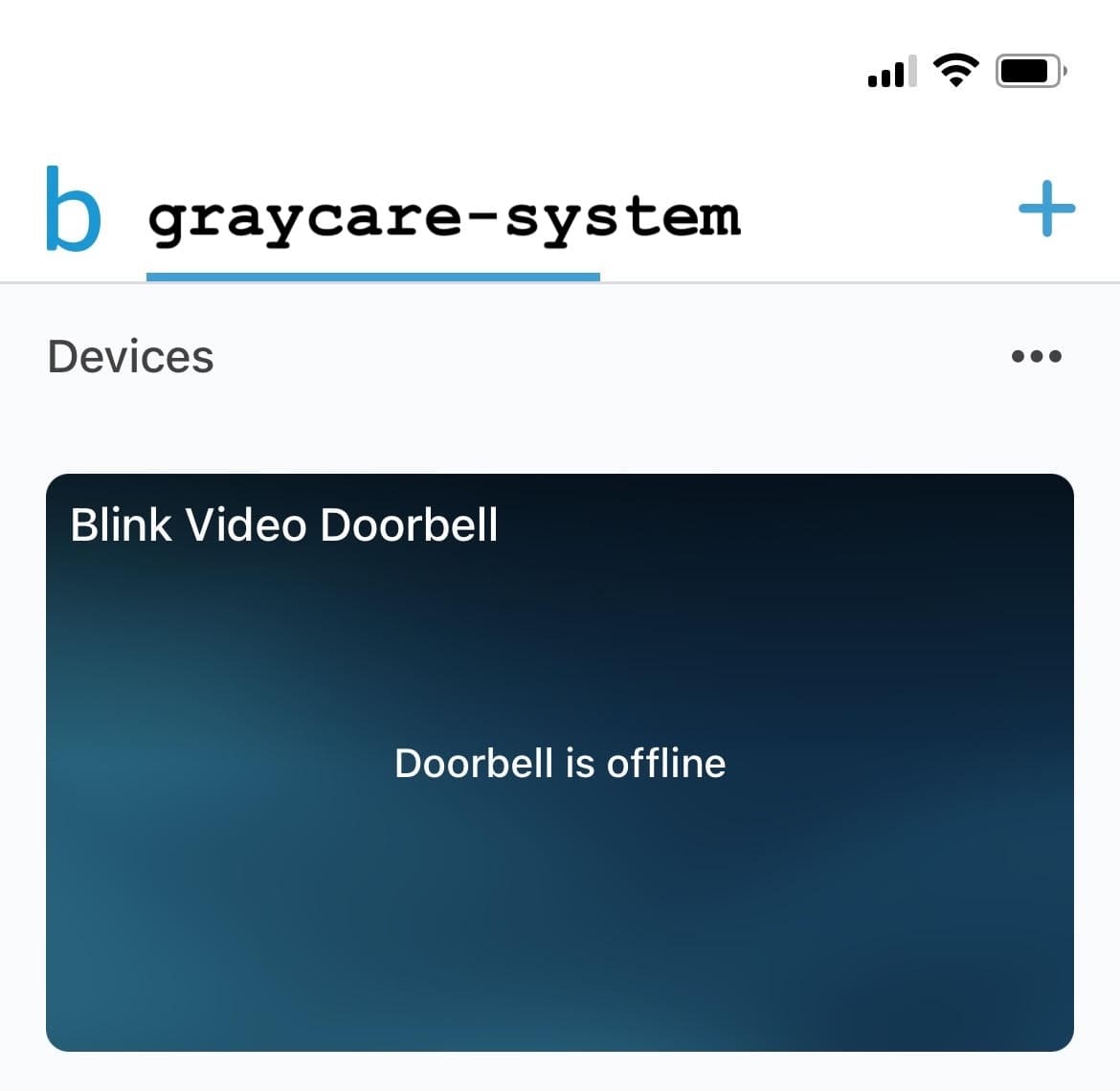
If the unit was working fine before, and your home WiFi internet has a strong connection with the same password as you’ve been using all along… Then, the most probable cause is your Blink Video Doorbell’s battery is dead.
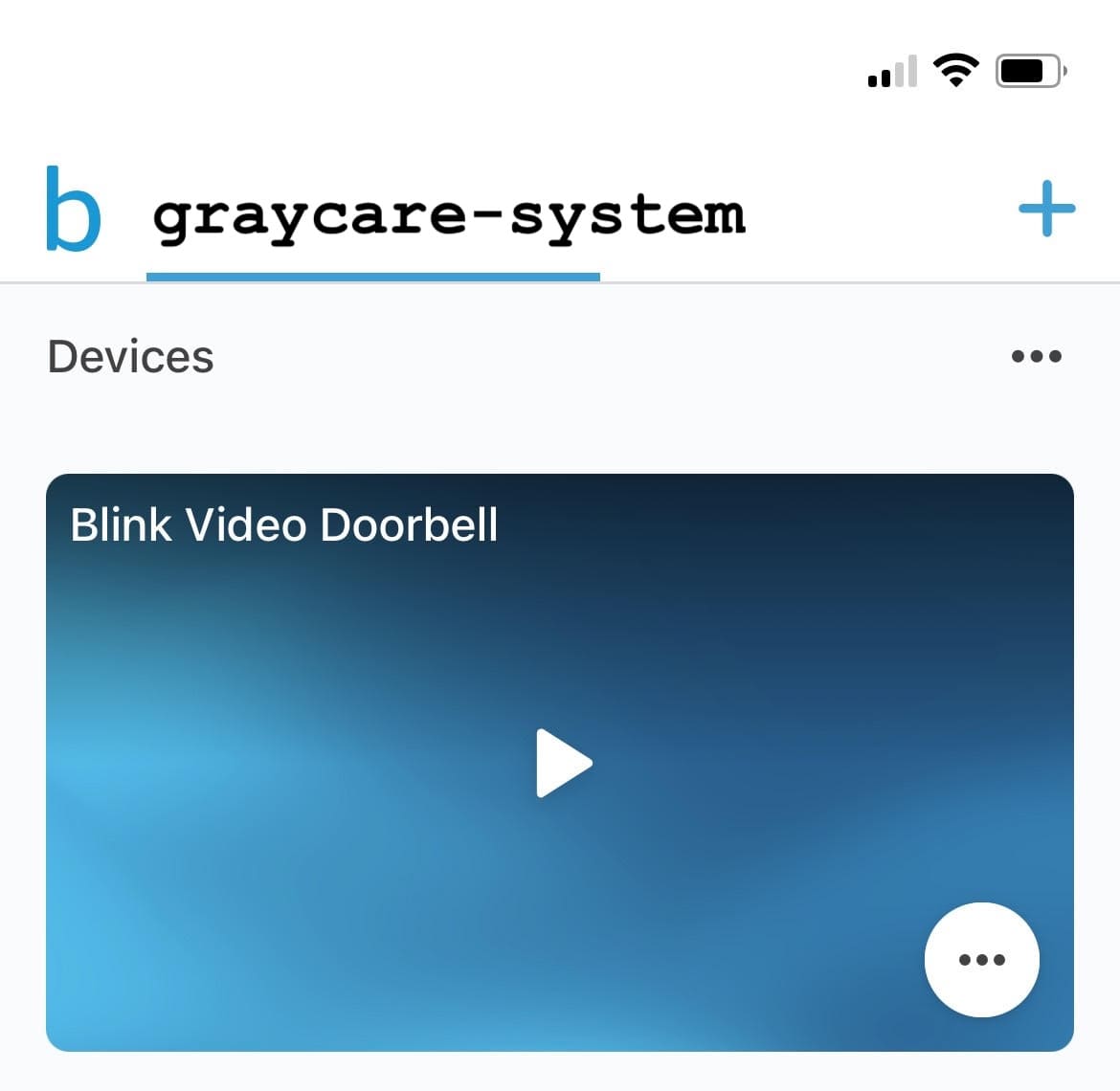

My Blink Video Doorbells two AA Energizer lithium batteries lasted for about 4 months while capturing motion between sunset and sunrise only.
The motion capture device setting drains battery life faster than standby without motion capture, andI used up in 4 months time the exact AA Energizer lithium batteries #ad that were included with the Blink Video Doorbell at the time of purchase.
Amazon claims a Blink Video Doorbell lasts up to 2 years when paired with a Sync Module 2, but that’s my setup, and I only got 4 months.
I must be popular with the neighbors. I like to think that’s true.
No, Blink Video Doorbell doesn’t work when the unit’s batteries lose power. Until you replace the batteries, the doorbell camera won’t record motion events or chime you when people ring.
For best setup, choose Blink Video Doorbell with two fresh AA lithium batteries and a strong WiFi connection with Sync Module 2.