Graycare (graycare.net) is a participant in the Amazon Services LLC Associates Program, an affiliate advertising program designed to provide a means for us to earn fees by linking to Amazon.com and affiliated sites. Learn More
My steadfast opinion is caregivers benefit from having internet.
In 2023, not having stable internet with a smartphone data plan or Wi-Fi and laptop is a very inconvenient way to live.
Since you're connected to the internet reading this, it might come to your surprise, not every American has internet.
Not having internet is more common than you think...
One sample of Small Town, USA where I live, 1 in 5 Gratiot County, Michigan households have broadband internet access in their homes. So maybe 20% of rural American households with caregiving also remain unconnected to the internet.
I'm not saying you can't be a spectacular caregiver without the internet. I'm telling you the internet opens the door to countless caregiver resources.
My family, for example, searches the internet to find ways to improve our quality of life.
We use the information to look up local organizations, businesses, and programs that might help with our elderly family member's care.
All this takes place through the internet.
Which basic caregiver technology to buy first? For families who don't have much technology at all, getting setup with stable internet is my top recommendation.
When you've never bought internet before...
...to get yourself or a caregiver you know online for the first time...
...unless you plan to make frequent trips to your local library and use their computers to surf the internet...
...these are the basic things a caregiver needs to become an internet user in 2023.
You need to buy a service that gives you the internet and have a device that uses the internet.
Best for Families on a Tight Budget: A Smartphone with an Unlimited Phone, Text, and Data Plan
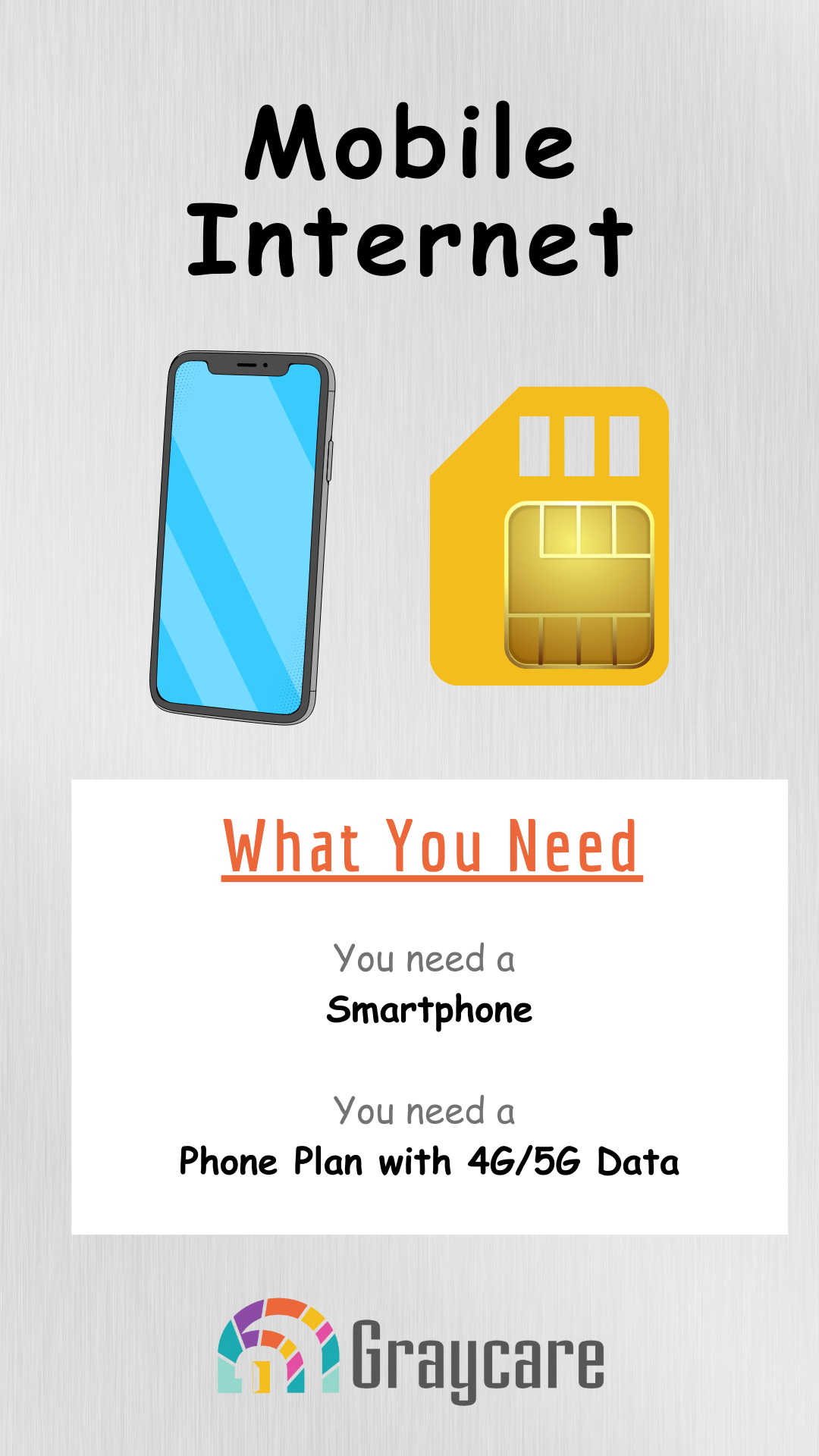
For a zero internet household, I recommend a phone with an unlimited data plan to start. Each part of this bundle matters big time.
You need a smartphone.
If you have the budget, get an iPhone. If you don't, get an Android phone. If you have the budget, get a phone plan with unlimited data from a major mobile network. In Michigan, that's Verizon, AT&T, or T-Mobile.
If you're on a budget, check out unlimited data plans from Tello #ad and Mint #ad. These two have unlimited data phone plans for the lowest prices and best coverage.
If you don't have a smartphone already, you can buy an unlocked smartphone (iPhone or Android) from Tello or Mint directly. This is important because you can only use Tello or Mint if you have an unlocked phone.
Best for Those Who Want to Use the Internet at the Same Time: A Computer with Home Wi-Fi via a Router with an Internet Service Plan
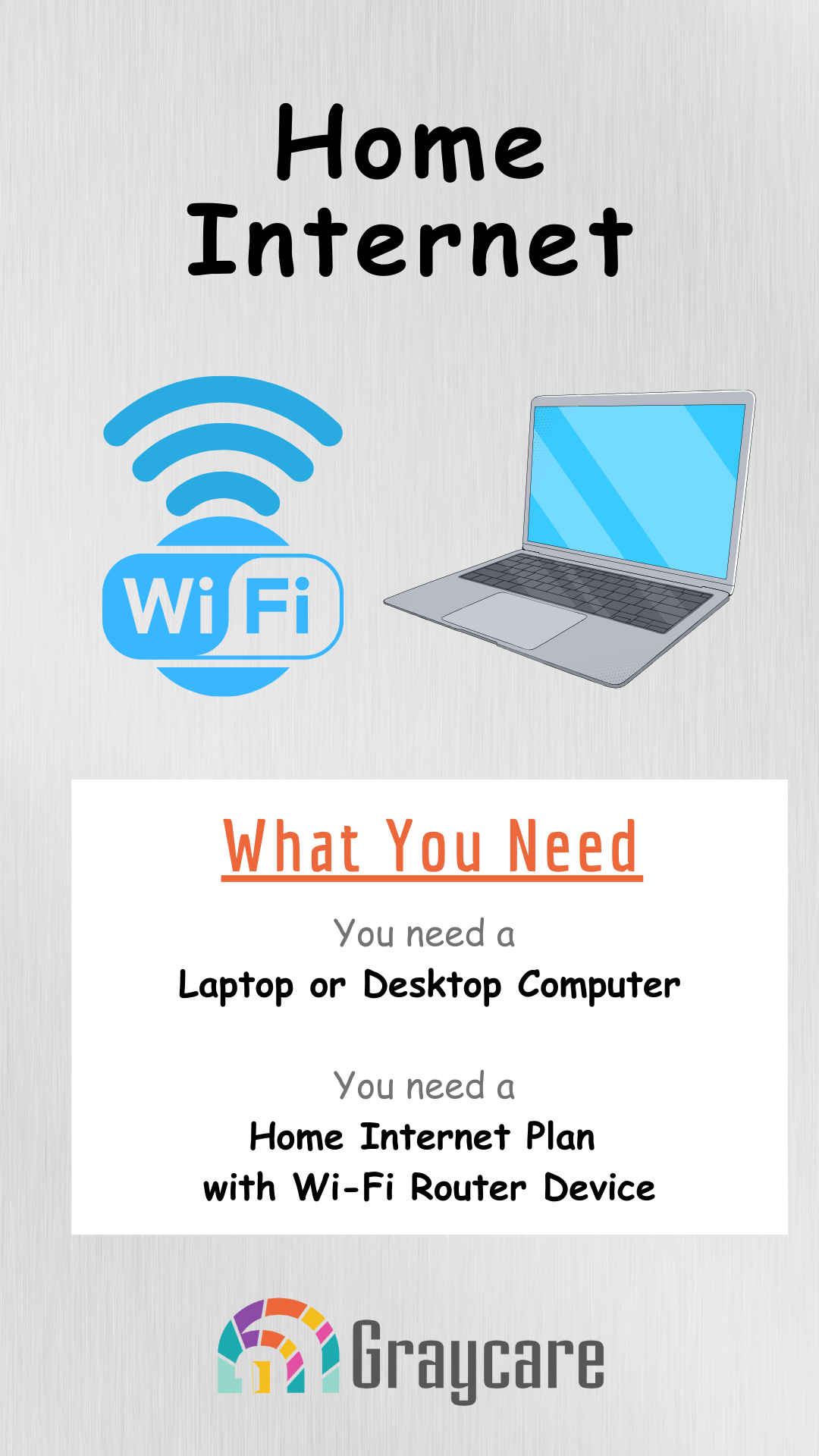
For families who already have smartphones, then the next step up is getting home internet.
If you have the budget, then you'll need to buy from an internet service provider. That's the company you buy internet from. I can't tell you which internet service provider is best because each local area has its local options.
Choose wisely! It's expensive to switch because you might incur installation or other surprise charges. It's a long-term commitment. Make it clear from the start that you want powerful home Wi-Fi. When the person comes to install it.
You've got a smartphone, you've got a computer, and you have the internet.
Now, how to use it? Families managing the care of an aging family member can use technology in limitless ways.