Graycare (graycare.net) is a participant in the Amazon Services LLC Associates Program, an affiliate advertising program designed to provide a means for us to earn fees by linking to Amazon.com and affiliated sites. Learn More

If I were to call this the funnest way to use ExpressVPN on two windows, that'd cause some confusion I wish to avoid. This two windows approach isn't on Windows.
I'd need to be clear: I'm using MacOS on a Macbook computer. When I download ExpressVPN from their website expressvpn.com; then I download the Mac Version.
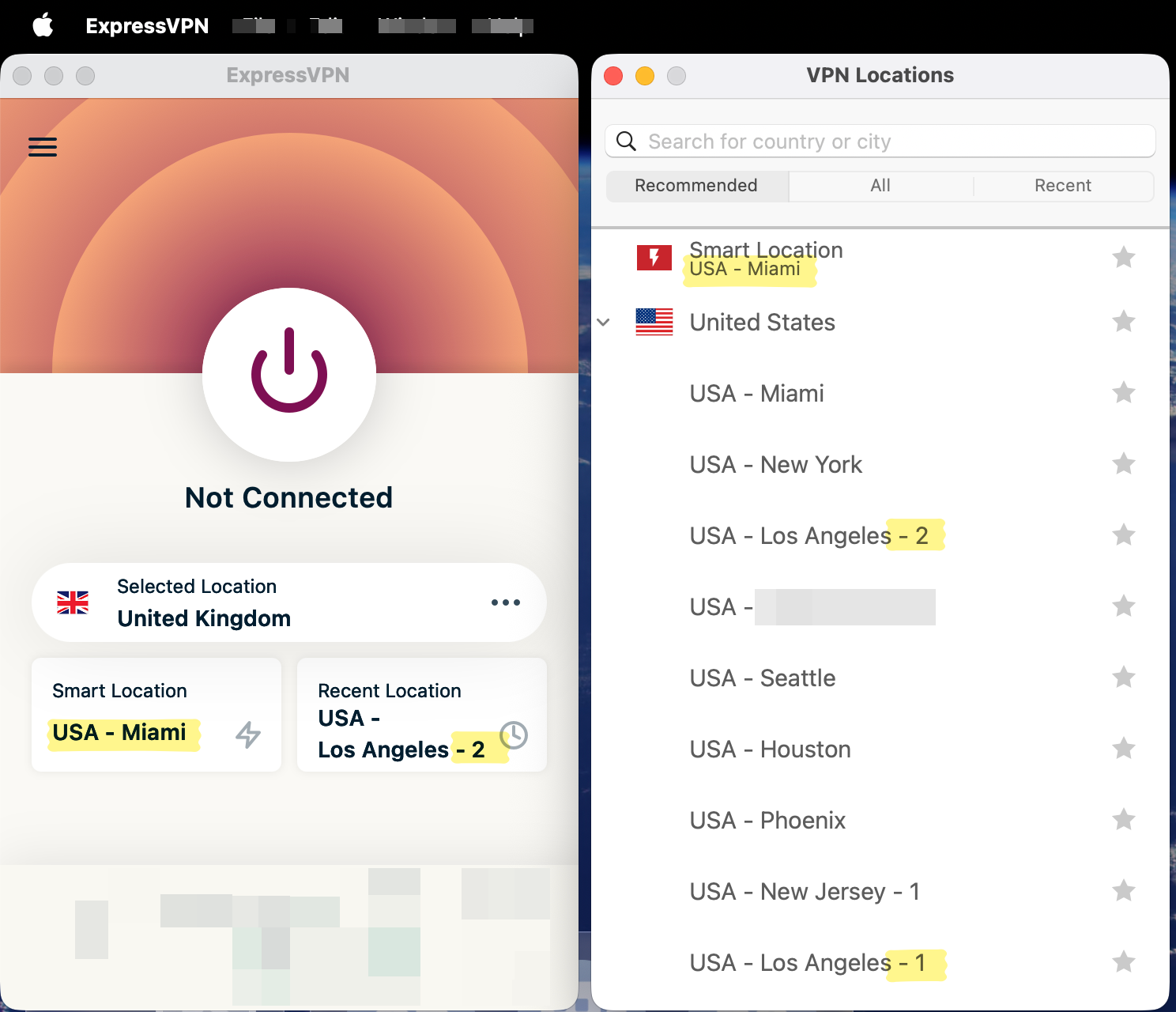
I'm talking about Two Windows, because I open Two Windows on my Macintosh Computer. When I open ExpressVPN, I keep two application windows open side-by-side. The ExpressVPN "Power Logo" button lets me connect to VPN. The VPN Locations window lets me pick the city I wanna jet into.
Sometimes, when I jet to Miami, I see ads about nice places to visit in Miami. It's almost like I'm there in Miami. Lots of people jet into Los Angeles. I think they have two international airports there. Visual ergonomics for jetting.
ExpressVPN is a wonderful app. When you install it, you can set it to open up every time you start up your computer. #ExpresscoServicesLLC I use VPN to protect my privacy online, and it's more fun in my head because I use the word jetting. Now the secret's out, and other ExpressVPN users may also start jetting.
ExpressVPN