Graycare (graycare.net) is a participant in the Amazon Services LLC Associates Program, an affiliate advertising program designed to provide a means for us to earn fees by linking to Amazon.com and affiliated sites. Learn More
You’ll be happy to know, you can watch YouTube videos on your Echo Show!

When you ask Alexa: “Echo, open YouTube”...
Then she will open the YouTube website on the screen.
First use your finger to scroll down to browse for a video you wanna watch.
Then use your finger to tap into the video, so that it starts playing.
When you ask Alexa: “Echo, search YouTube for {something}”...
Then she will open the YouTube search results of your query for the thing you axed for.
Then you use your finger to scroll/browse and to tap/play.
With your Echo Smart Display connected to electricity and the internet (that’s your Echo Show 5, 10, or 15 with a touchscreen like an iPad tablet), you can use your voice then finger to play a YouTube video in about 10 or 15 seconds.
Talk directly to your Echo Show when you want to search for a video you like on YouTube:

How to Play, Pause, Fast-Forward, and Rewind YouTube Videos when using an Echo device?
Speak directly to your Echo when you want to play or resume YouTube videos:
Click here for Google’s official instructions: “Control YouTube on TV with Amazon Alexa Services” - but I haven’t tested each one, and they might be designed for the YouTube app which is only available on FireTV (with also has Alexa Voice Service, but it’s not the same thing as an Echo Device playing YouTube in the Echo’s browser).
Compatibility between YouTube and an Alexa-enabled Smart Device (like an Amazon Echo) has its compatibility quirks that make my review of the user experience just three stars.
Especially when opening YouTube in the browser for the first time, it took almost 30 seconds for the full page to load. When’s the last time that happened on your computer or phone? The YouTube I’m used to works fast, and I’m telling you the Echo Show 10’s version of Amazon Silk browser made wait time frustrating - and my household has high-speed internet with Eero Mesh Routers covering the entire house.
Another example - the Netflix App on Echo Show. Netflix has a dedicated app on Echo Show. Compared to YouTube, Netflix loads fast on Echo Show. I’ve got a sneaking suspicion it’s because Amazon doesn’t let YouTube make an Alexa-enabled app, because Amazon-friendly video services compete with YouTube for internet users’ online viewership. Market analysis aside, I suspect (but don’t confirm) Amazon would rather you not watch YouTube, otherwise they would’ve made the experience better (faster load time, voice actions that don’t need your finger).
The first time you load YouTube on your Echo Device, you won’t be logged into your YouTube account. So the home page is made up of “popular videos for anyone”.
Especially on the Echo Show 10 with a swivel screen, I find that tapping the “Sign in” button or the account icon at the top right of the screen, then proceeding to enter your email address and password with your finger… The whole process is not very easy, so seniors or the less tech-savvy might need a fellow Family IT Helper like yourself to get them logged in.
Luckily, you only need to log in in to your YouTube account once, and you’ll stay logged in (indefinitely?).
That means you only have to cumbersomely finger in your credentials once.
Who wants to watch just any video on YouTube homepage?
It's something a younger person in your family could help an older person to do, then the older person will more easily watch their subscriptions and get their notifications and see a home page of content that they might actually like because they're logged into their account on the echo device that has a screen with YouTube.
Watching YouTube on your phone or computer is a better user experience than watching YouTube on your Echo (for the reasons aforementioned).
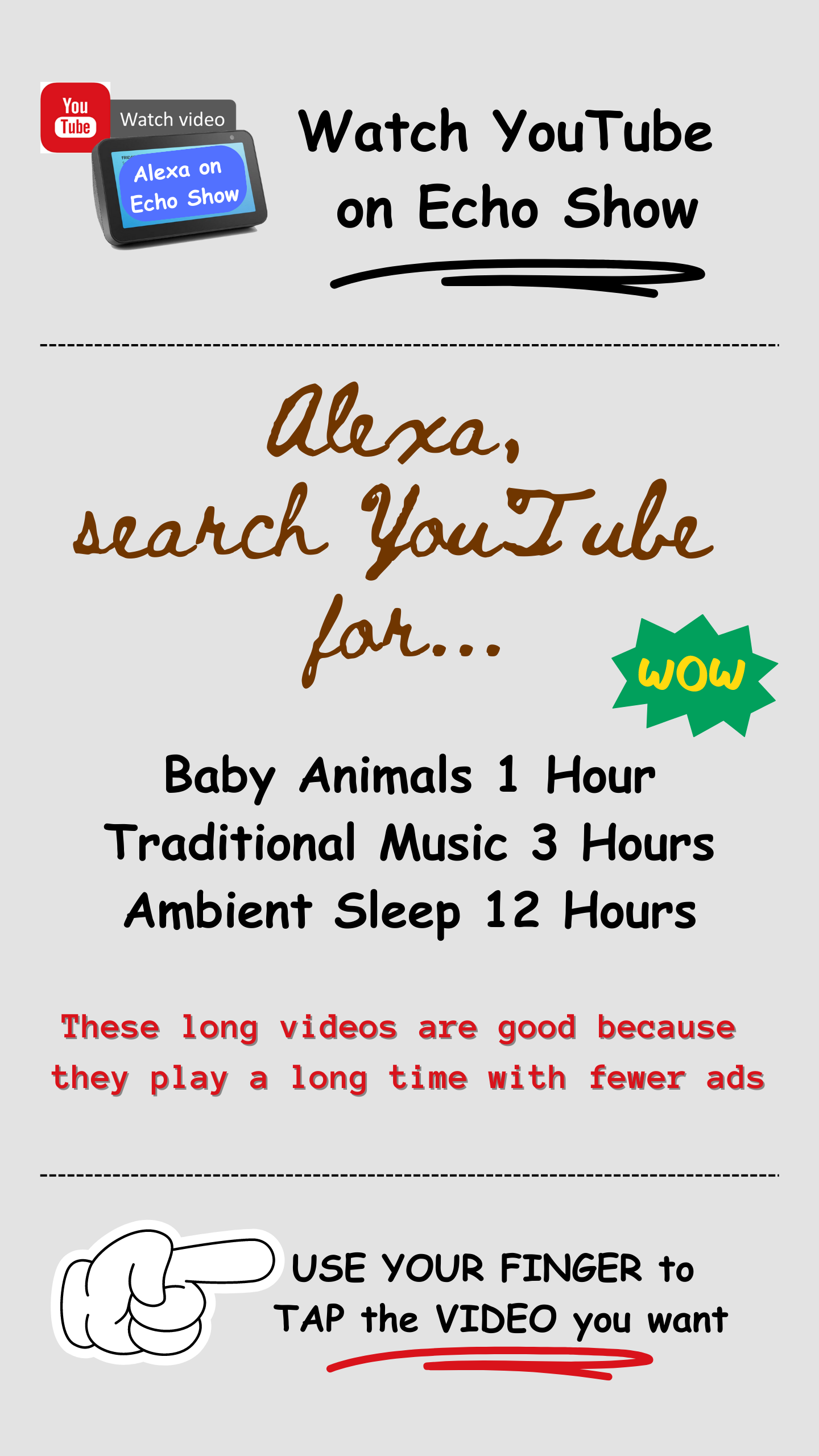
My dad is old with dementia, so I accomadate by setting him up with long videos of 30 minutes, 1 hour, 3 hours, 12 hours, or you get the idea!
Long videos not only run for a long duration of time, but they also show fewer ads per duration of time than watching a series of short videos in a row on YouTube.
This applied to phones and computers using the free version of YouTube like me.
It’s especially heinous on the Echo Show 10, because the load time and touch screen are “just harder to use than I’m used to”.
To compromise for slower, less haptic touch response - I opt for a video I know is gonna work out for a while.
For old dad in his favorite chair, I choose 1, 3, 6, 12, 24 hour long movies - I actually ask your device to search for it, for example:
It works really good for classic movies and like older movies on YouTube search for Rambo for example Rambo Classic Movies you'll probably find something from the '80s '90s or 2000s a full length video on YouTube that you can put on for your dad using voice search on YouTube using your Echo device.
You can bookmark YouTube in the Silk Browser and there are probably ways to make it more visible on your Echo home screen or Silk browser home page. The idea is, you’d just tap into YouTube with that bookmark and go straight to the page or channel you most frequent.

UPDATE: This post was updated in April 2024 to reflect Amazon Alexa technology’s feature which allows you to change the wake word from default “Alexa” to preferred “Echo,” “Amazon,” “Computer,” or “Ziggy”. You can change yours using Amazon official instructions, here.